Theme Switcher
Menu or toolbar (depending on where the plugin is assigned) for selecting a BPC theme. After selection, the BPC is reloaded with the selected theme.
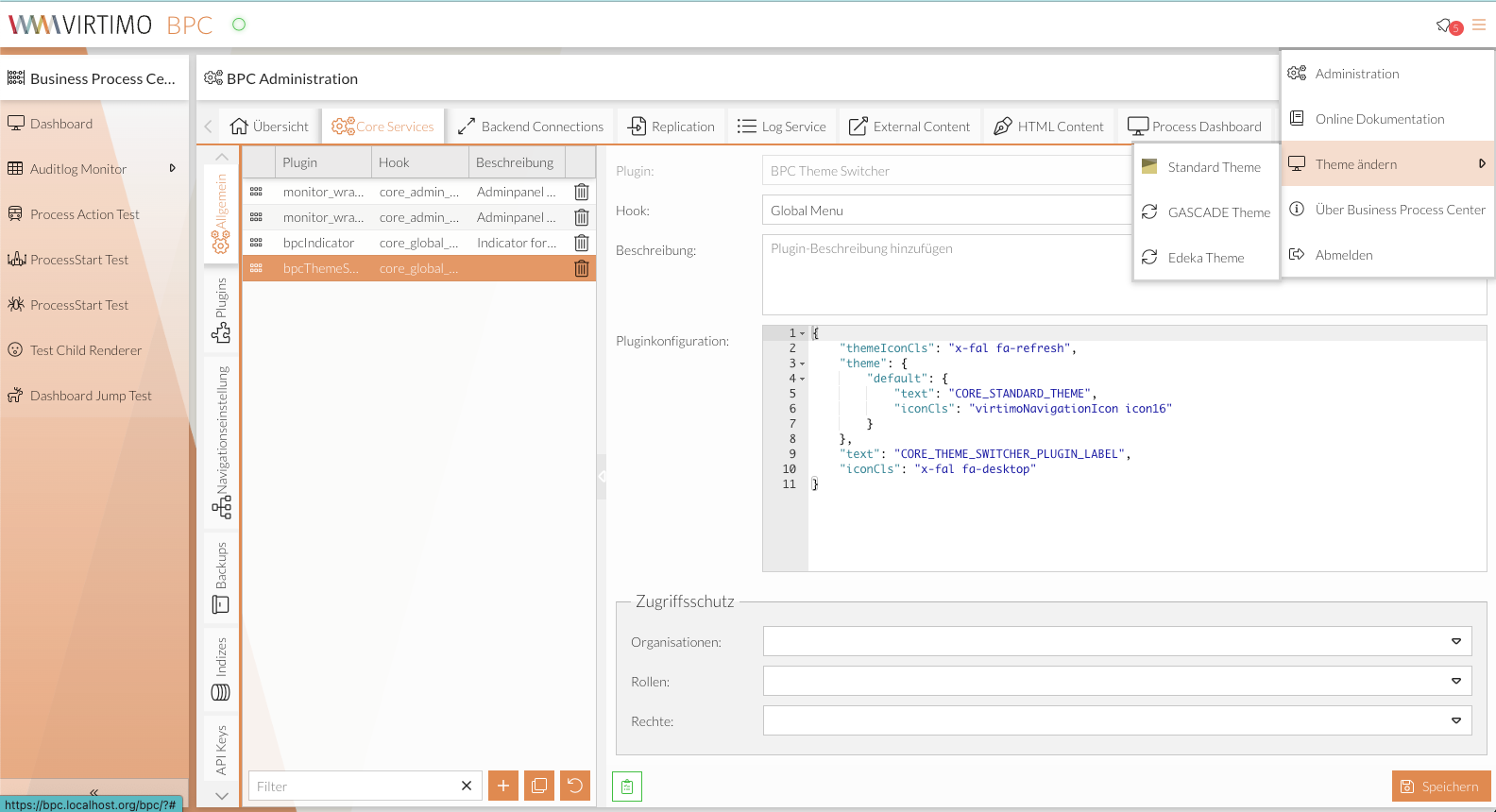
Configuration
The configuration parameters are described below:
-
text: Label for the selection element. -
iconCls: Icon for the selection element. -
themeIconCls: Icon for the items in the theme selection list if no icon is set for a specific item. -
theme: Configuration of how an item is displayed in the theme selection list. For an item, you can configuretext,iconCls, andhidden. The name of the theme must also be specified.
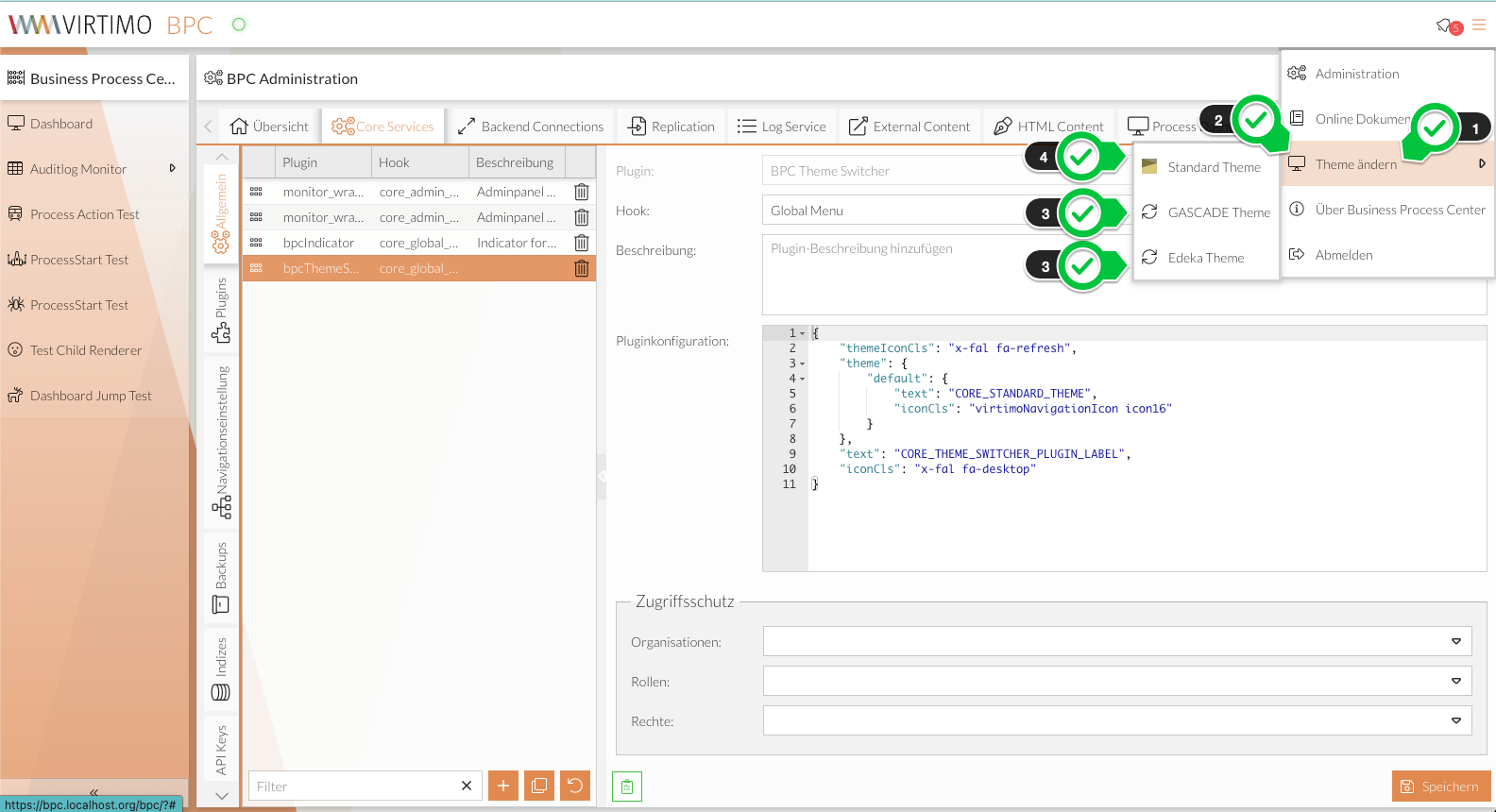
Example configuration
{
   "text": "CORE_THEME_SWITCHER_PLUGIN_LABEL",
   "iconCls": "x-fal fa-desktop",
   "themeIconCls": "x-fal fa-refresh",
   "theme": {
      "default": {
         "text": "CORE_STANDARD_THEME",
         "iconCls": "virtimoNavigationIcon icon16",
         "hidden": false
      }
   }
}
Keywords:
