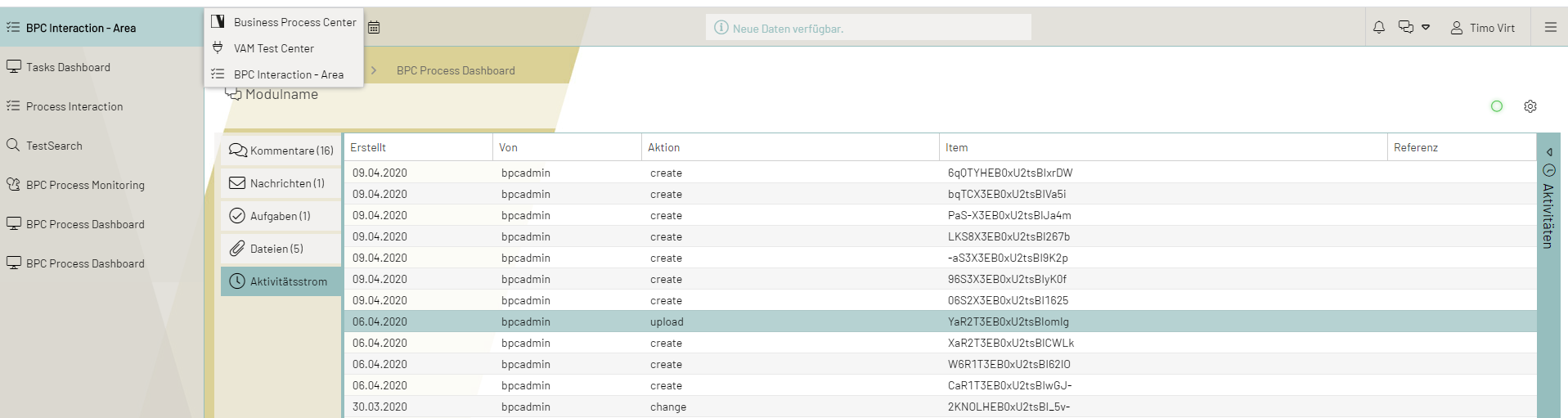
Inbox
The Collaboration Inbox is an electronic management overview of artifacts—that is, tasks, messages, and comments. It is designed to help users focus on the most important BPC messages in their inbox. The Inbox focuses specifically on planning, monitoring, and managing information flows. Users can communicate across departments and define appropriate measures to ensure data quality.
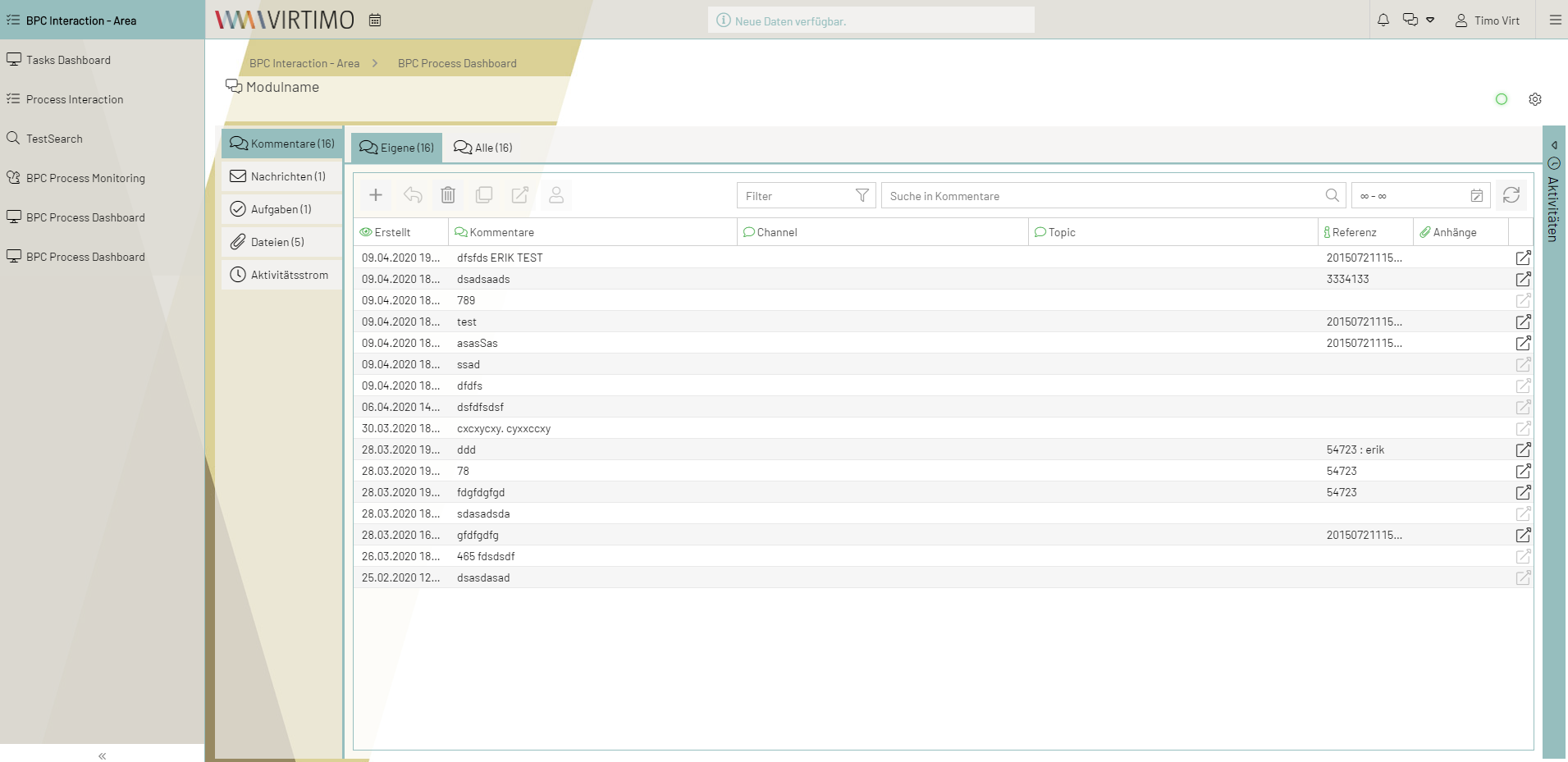
Users see their recently created artifacts in chronological order. The date field can be used to select a time period.
Entries can be made in the light gray field using the search field in the taskbar. As soon as the first letters of a term are entered, entries matching the search term are selected.
The number of results displayed at one time is shown in parentheses for each artifact.
Tasks
For the “Task” artifact, tasks are sorted into the corresponding tabs based on their status.
Tasks with the status “Completed” are moved to the “Completed” tab.
The “My Tasks” tab contains the tasks that the “Recipient” (assignee) is responsible for completing.
The “Track” tab contains the tasks that the creator (sender) has assigned to an assignee (recipient).
Messages
For the “Message” artifact, tasks are sorted into the appropriate tabs based on their status.
Incoming messages are in the “Inbox” tab.
Outgoing messages are in the “Outbox” tab.