VIMON
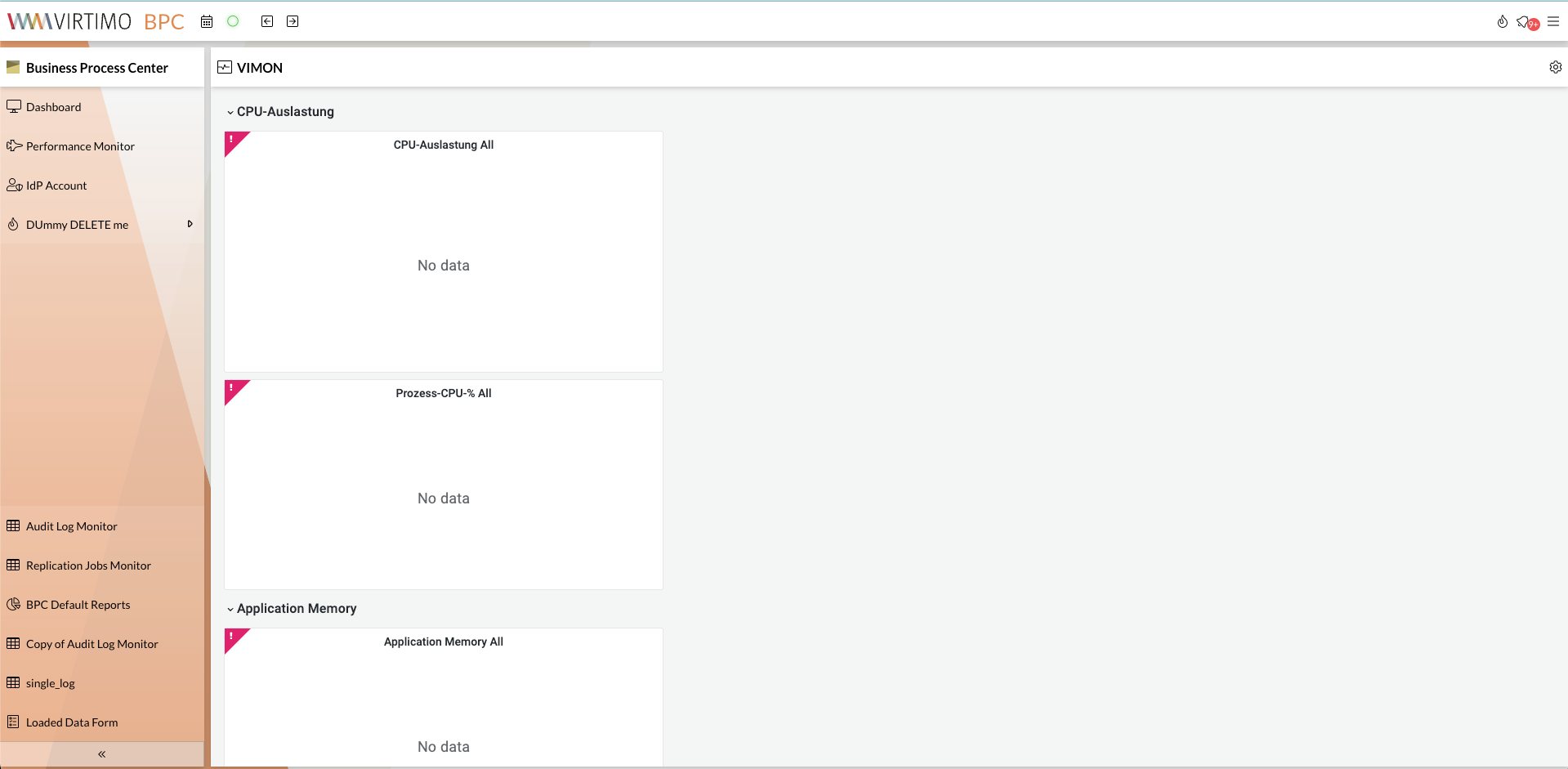
The VIMON module is used to display Virtimo monitoring within BPC.
Configuration
Important configurations are listed below:
-
Vimon_ProxyID (proxyId)
(string) ID of the BackendConnection that establishes the connection to the VIMON server. -
Params_InitialDashboardPath (initialDashboardPath)
(string)
The path to a dashboard that should be displayed initially. -
Params_InitialFilter (initialFilters)
(array)
A list of filters that should be set initially.
Example configuration:{ "param1": ["value11", "value12", "value13"], "param2": "value21", "param3": 0 }
The data is converted into URL parameters as follows:
param1=value11¶m1=value12¶m1=value13¶m2=value21¶m3=0
|
-
Params_InitialLowerDate (initialLowerDate)
(string)
If set, data starting from this date will be loaded initially. Relative time specifications are also valid, e.g., now-7d. -
Params_InitialUpperDate (initialUpperDate)
(string)
If set, data up to this date will be loaded initially. Relative time specifications are also valid, e.g., now-7d. -
Params_KioskMode (kioskMode)
(boolean)
Enables VIMON to run in kiosk mode, displaying only the selected dashboard. For example, the navigation bar and filter field are not displayed inkioskmode. -
Params_OrganisationId (orgId)
(string) Organization ID
| Please also refer to the notes on the VIMON base configuration at as well as the specific information on the Grafana configuration in BPC. |
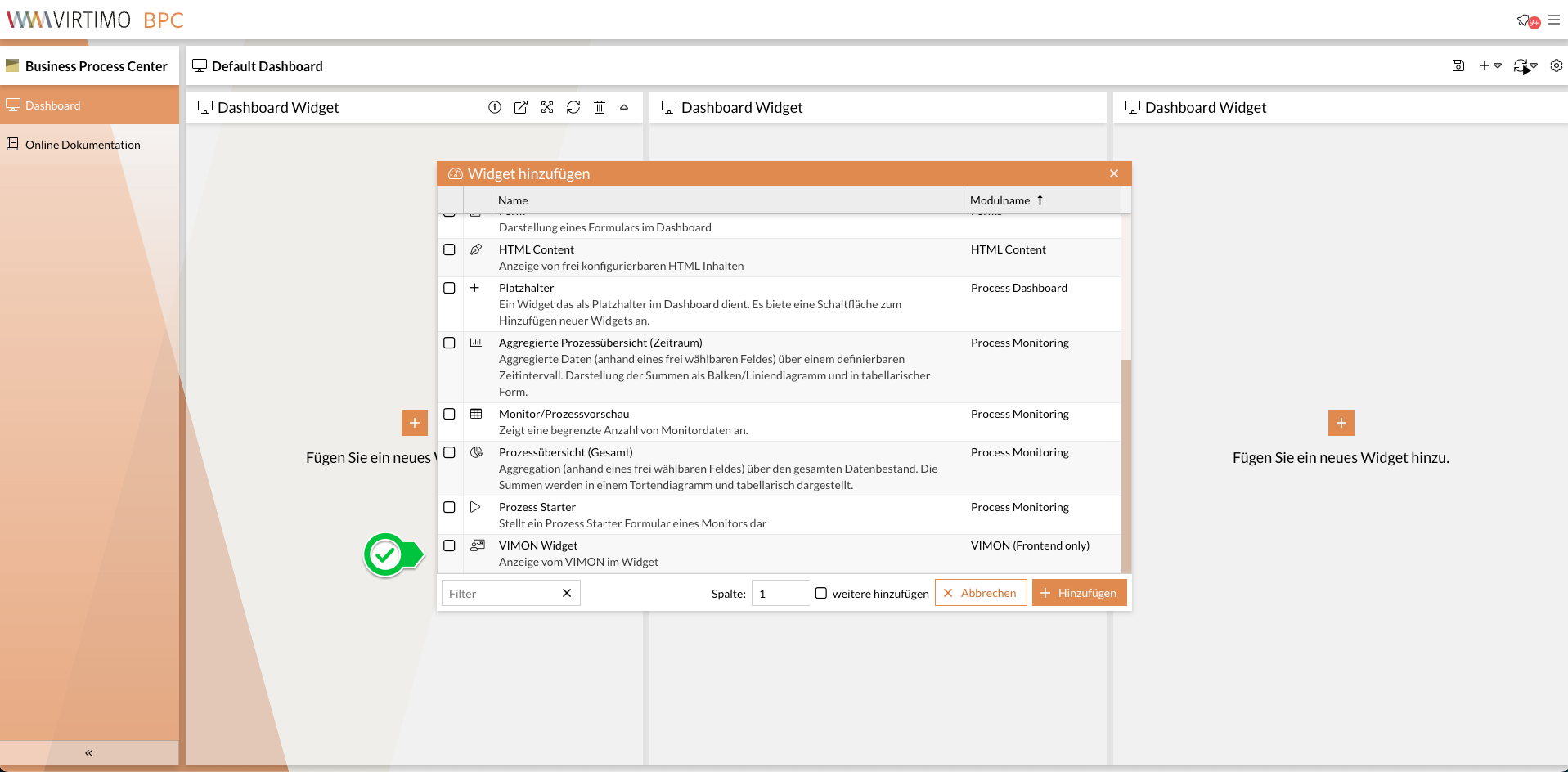
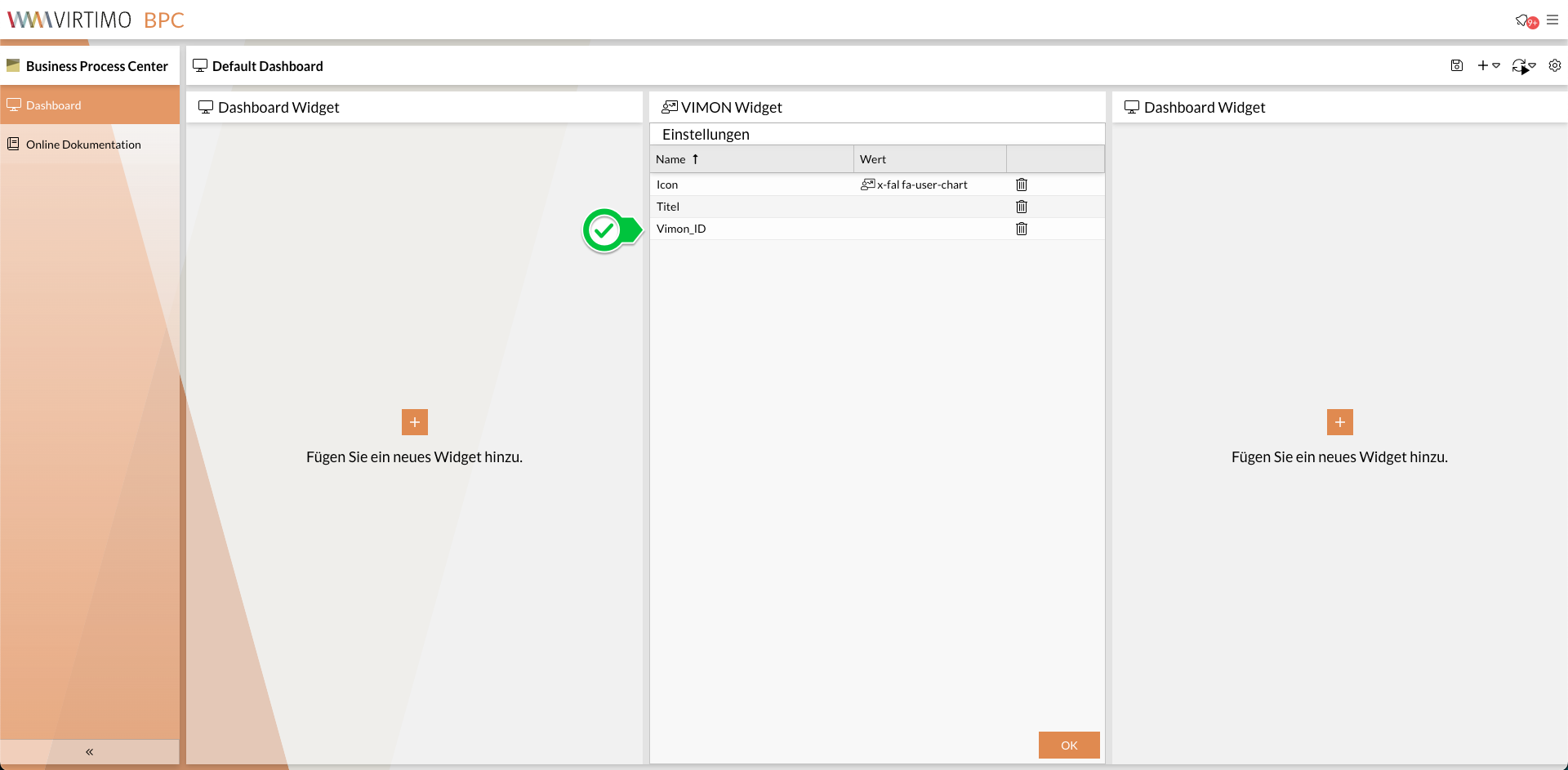
Customizing the Content Security Policy
Some Content Security Policies are set by default in BPC to protect against attacks.
During integration, VIMON includes JavaScript code with script evaluations (i.e., eval()) and inline scripts.
These are blocked by the BPC’s Content Security Policy.
To integrate VIMON into the BPC, these policies must be adjusted.
The adjustment is made in the file [karaf_folder]/etc/jetty.xml.
The value of header-csp should contain the following:
script-src 'self' 'unsafe-eval' 'unsafe-inline'
