File Storage File View
Under Settings→Overview→File Storage, the BPC allows you to view files in the BPC file storage and upload new files.
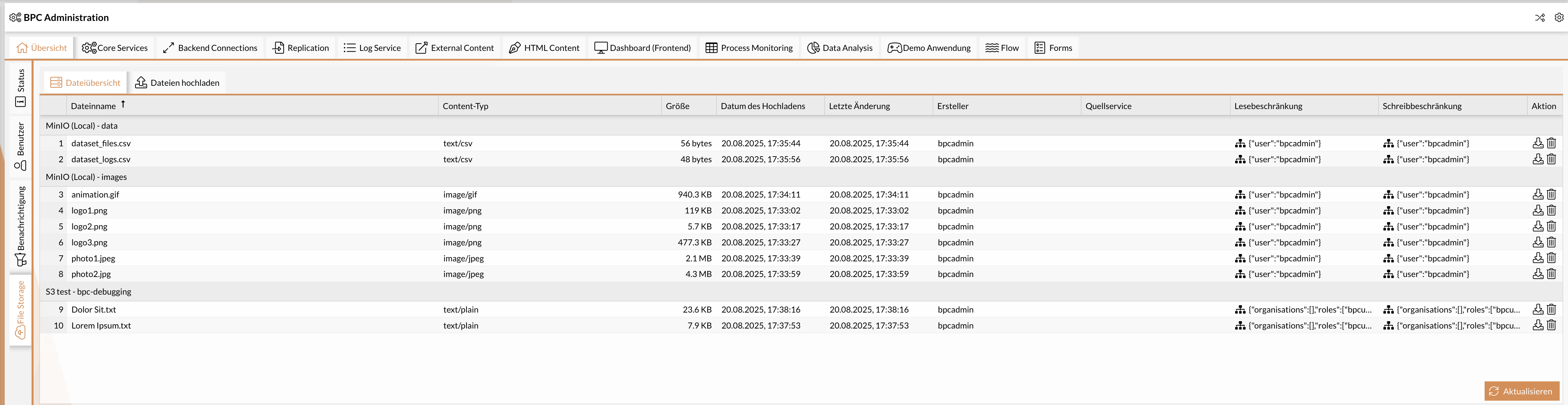
The File Overview tab displays a list of all files, grouped by File Storage Backend Connection and bucket name. Files can be downloaded or deleted using the buttons in the Action column.
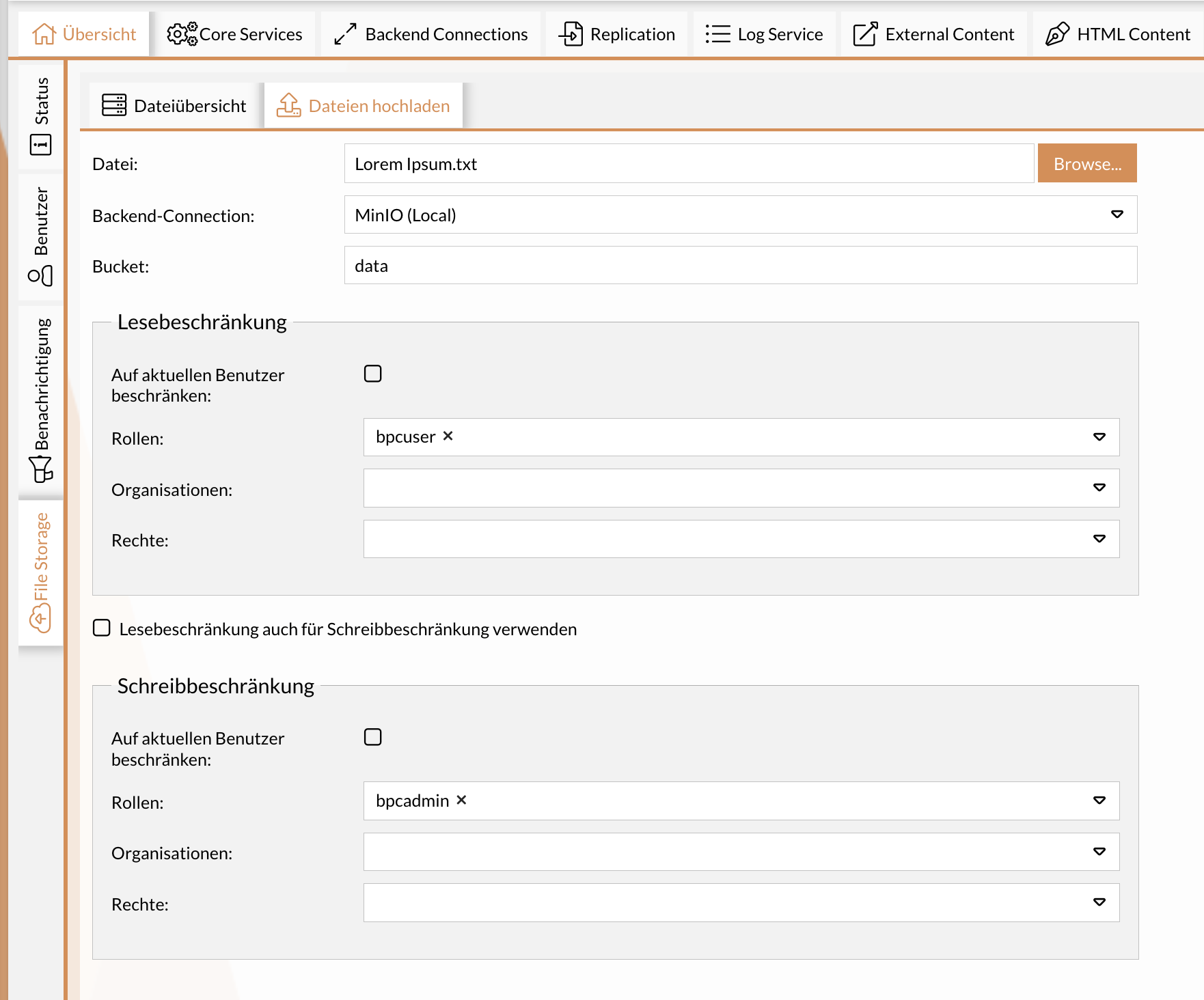
Under the " Upload Files " tab, you can store files in the file storage. To do this, select the desired file, choose the configured file storage backend Connection under "Backend Connection," and specify the bucket name. The bucket or container must already have been created with the corresponding storage provider (AWS S3, Azure Blob Storage, Google Cloud Storage).
In addition, read and write permissions are required. These permissions can either apply exclusively to the respective user or be linked to roles, organizations, and permissions. A user need only possess one of the specified roles, organizations, or permissions.