Language Selection / Multilingual Support
The BPC supports the use of multiple languages.
|
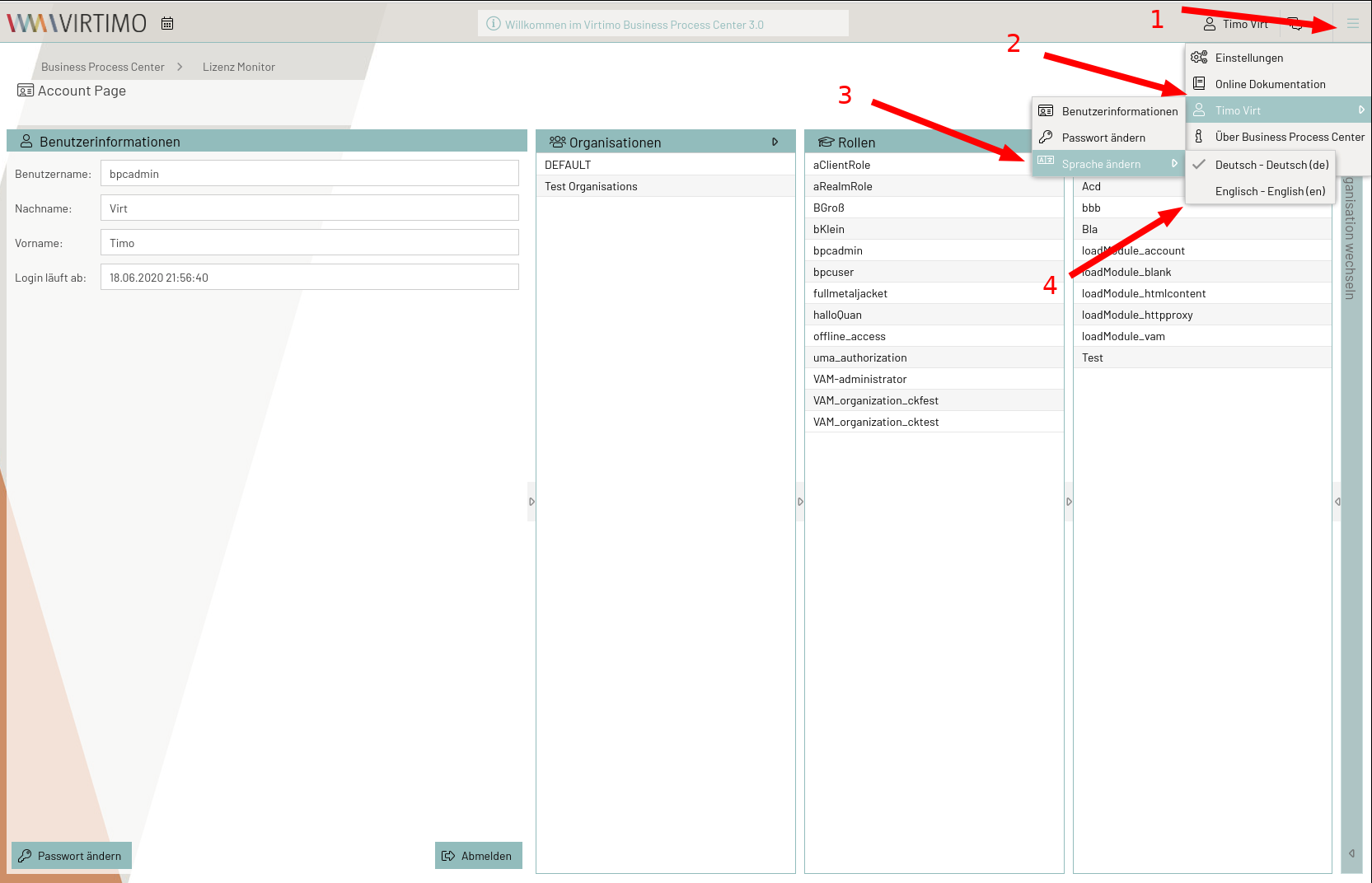
"Live" language switching is not supported. To change languages, you must log out and log back in. |
To provide your own languages and translations, see the developer documentation - Multiple Language Support.
Selecting the Active Language
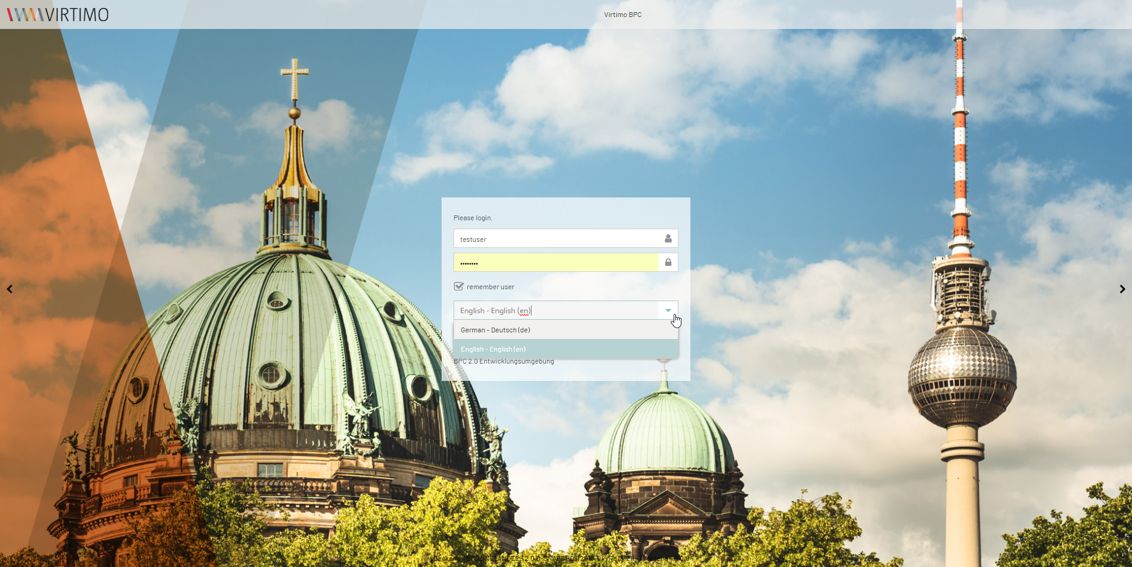
The current language in the client is set during login. On the login screen, all currently available languages are offered in a selection dialog. The default selection is determined based on the following criteria (in descending order of priority):
-
Configured language in BPC Core Services (still pending)
-
Current browser language
-
German (if the browser language cannot be met)
Changing the language during login
|
If Keycloak is used as the identity provider, the language selector may be located in the upper-right corner of the login screen. |