Session Overview
The session overview can be accessed in the administration area () under the Overview > Users > Active BPC Sessions tab and provides an overview of all logged-in users.
Active sessions can also be ended via this view.
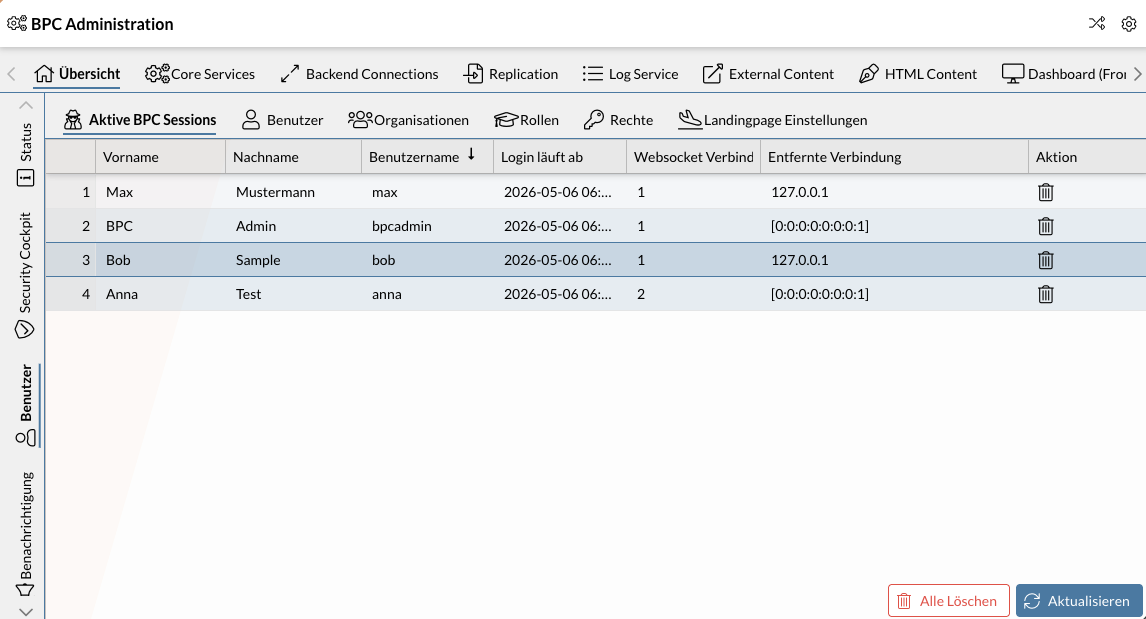
The table provides information about the logged-in user (username, first and last name), the session expiration date, the number of active WebSocket connections, and the associated IP address.
Example: The screenshot above shows that four users are logged in. The user Anna has two WebSocket connections. This usually indicates that the BPC is open in two different browser tabs.
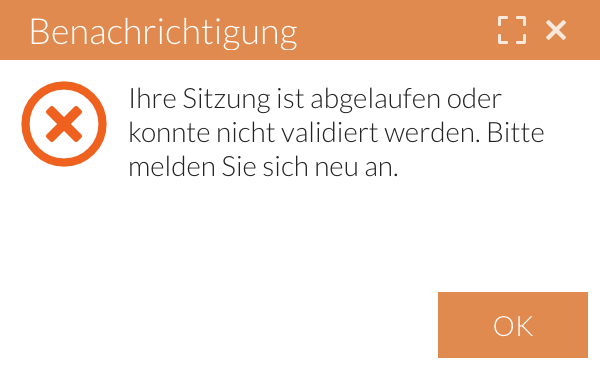
To end a single session, click in the Actioncolumn. A notification will then appear in the user interface of the corresponding user.
To disconnect all active connections at once, use the "Delete All" button.
Required BPC permissions for ending sessions
-
Role
bpcadmin, -
Role
USER_ADMIN, -
Permission
USER_DELETE_SESSIONS
|
Ending a session only logs the user out of the BPC. The session may remain active with the identity provider (e.g., Keycloak), and the user may automatically log back in. |
