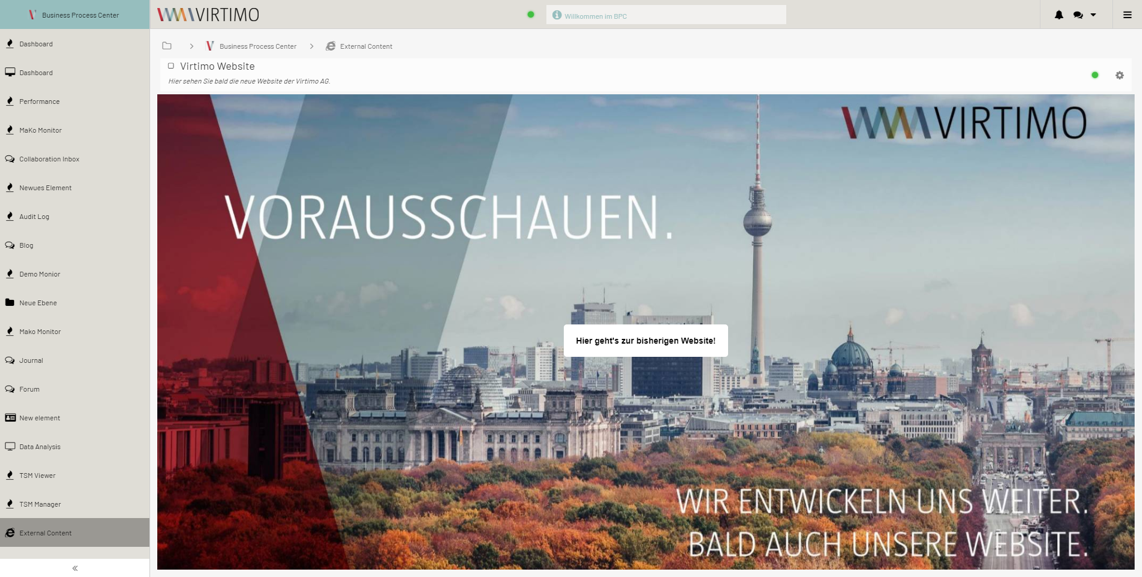
External Content
The "External Content" Service integrates applications from the Internet or the respective network via an IFrame.
It also offers the option to load applications through the internal BPC proxy, thereby enabling BasicAuth authentication or accounting for upstream proxy servers and adjusting set HTTP headers. A prerequisite for these advanced features is a backend connection component of type http_proxy; see Backend Connections.
In addition, the integrated web pages can be embedded in BPC dashboards, either in full or in part, via a widget.
Access Rights
For a user to access the module and view its content, the " loadModule_externalContent " permission is required.
Creating and Configuring the External Content Module
The module type for the External Content Module is "proxy". Creation and configuration are performed via the BPC administration area.
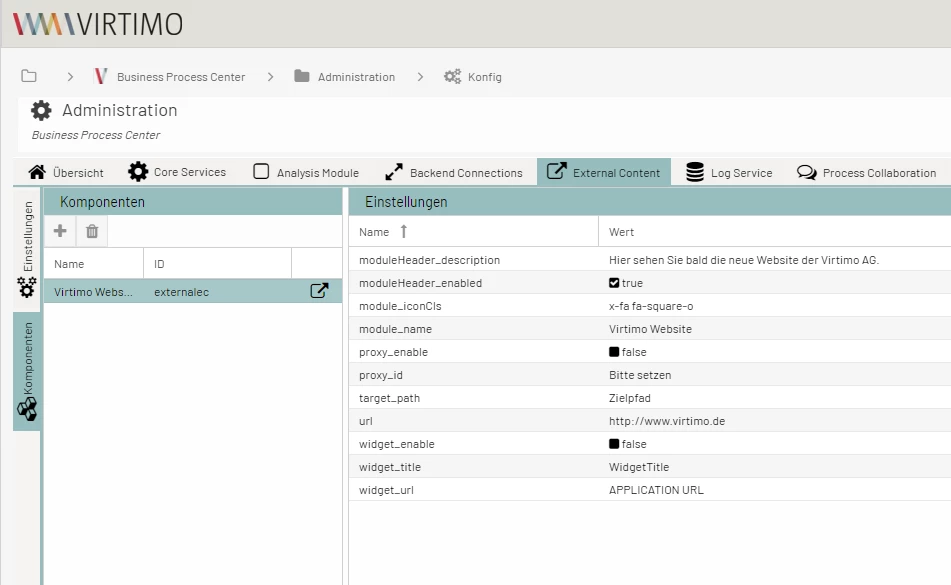
Configuration Parameters
The following configuration parameters can be set:
| Setting (Key) | Type | Description |
|---|---|---|
Group: target |
||
Target_Path |
text |
URL to be accessed. A relative URL must begin with "/", even if the base URL from External Content and/or http_proxy already ends with "/". |
Target_BaseURL |
text |
This base URL to the target system is prepended each time it is used.
Takes precedence and is optional if a base URL is specified here as well as in the http_proxy being used.
Placeholders can also be used. Placeholders are denoted by curly braces. The braces and their contents are then replaced accordingly.
Example: Possible values for the placeholder:
|
Group: widget |
||
ExternalContent_WidgetURL |
text |
|
ExternalContent_WidgetTitle |
text |
|
ExternalContent_WidgetEnabled |
bool |
|
Group: proxy |
||
ExternalContent_ProxyID |
text |
ID of the backend connection to be used |
ExternalContent_ProxyEnabled |
bool |
true if the connection is not to be established directly, but via a backend connection of type http_proxy |
Example
Example with the following URL: https://www.Virtimo.de