Creating Module Components
Creating Module Components
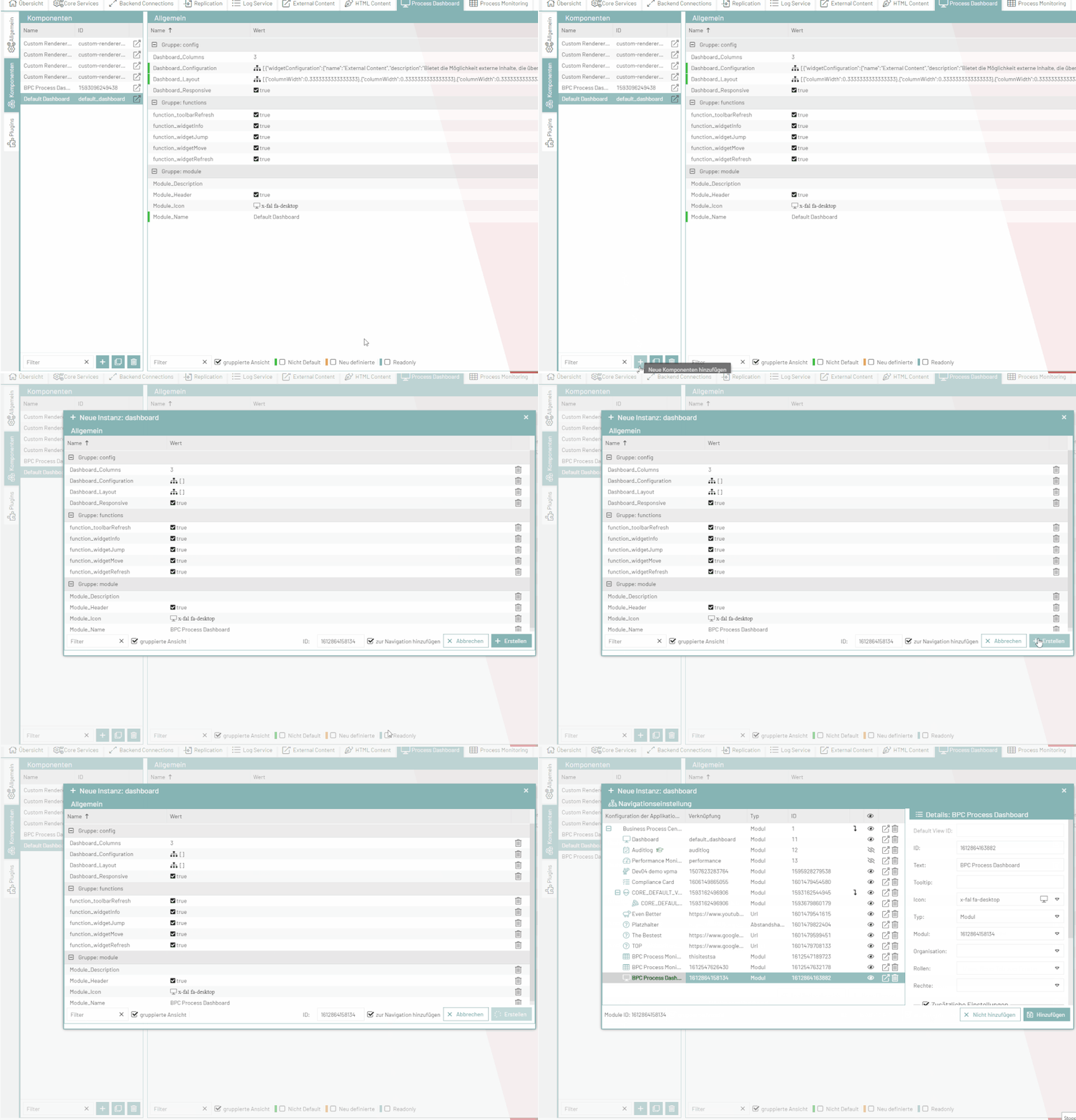
In the respective module areas (Dashboard, Monitor, etc.), all existing module components are listed on the left-hand side. To create a new component, click the + button at the bottom.
A dialog box opens where you can enter module settings.
A checkbox is selected at the bottom of the dialog. If you leave this option selected, you can add the components to the navigation in the next step.
If this step is not relevant, you can deselect the checkbox. The dialog closes automatically after creation.
Keywords:
