Manage Active BPC Sessions
The active BPC sessions provide an overview of all logged-in users.
Accessing
The feature is located in the administration area () under the Overview > Users > Active BPC Sessions tab.
Displaying Current Users
The table lists all currently logged-in users.
Users may appear multiple times if they are using different devices or browsers.
Similarly, users are listed multiple times if they have multiple tabs open in the active BPC session—one session is listed per tab.
End Sessions
The session of the selected user can be ended using the icon. A notification will then appear in the user interface of the corresponding user.
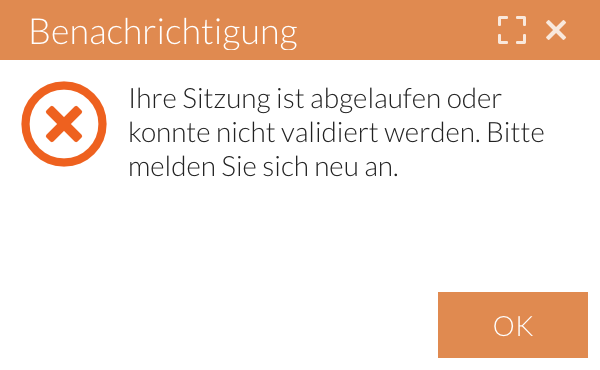
All sessions can be ended at once using the "Delete All" button.
Keywords:
