Customizing Tables
Once a grid or table view is displayed, certain functions are typically available to customize the view to your preferences:
Filtering
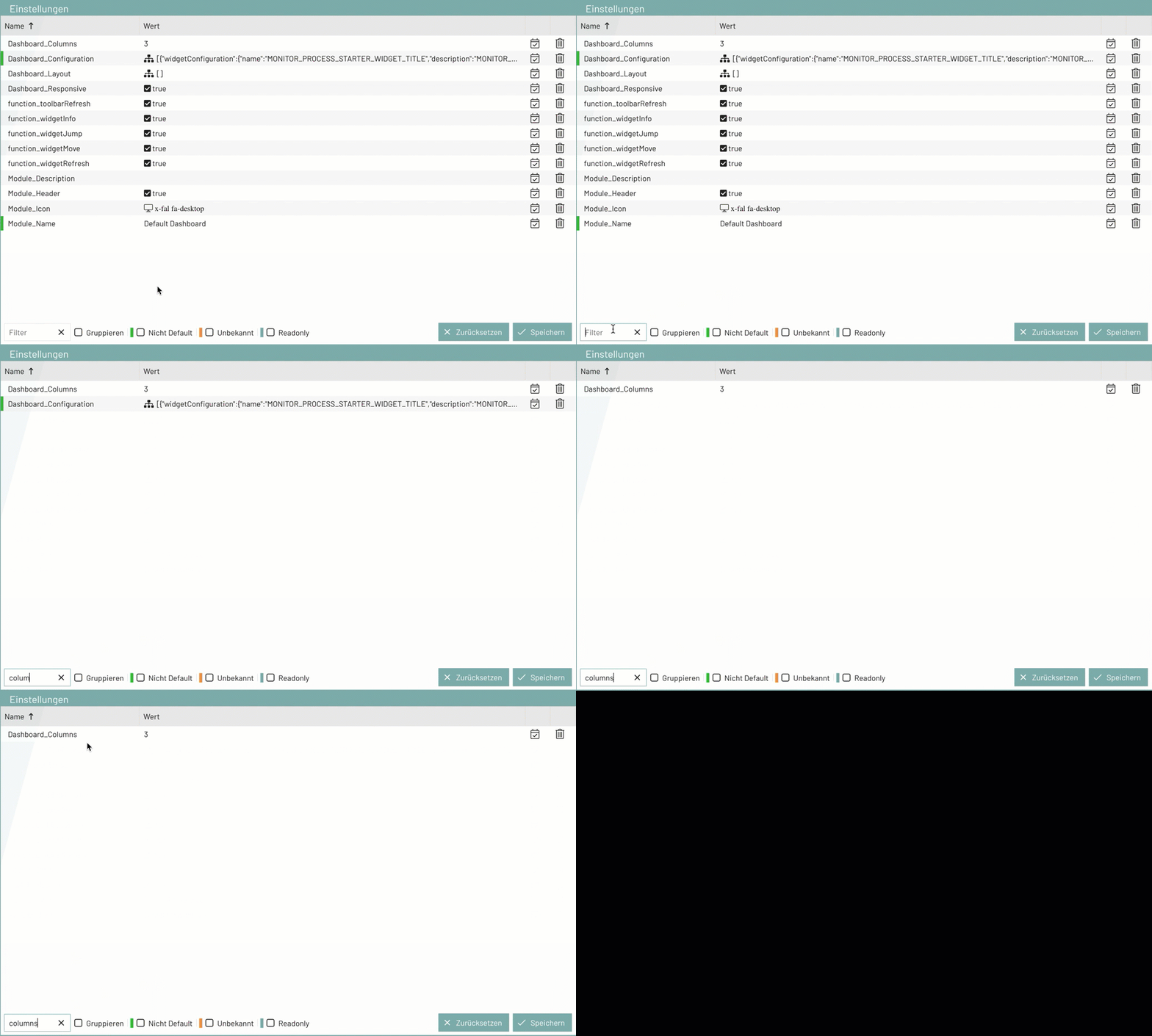
If, for example, you are looking for a specific setting, you can enter the corresponding term in the search field. The table is then filtered according to the entry and displays only the table rows that contain the search term.
Grouping
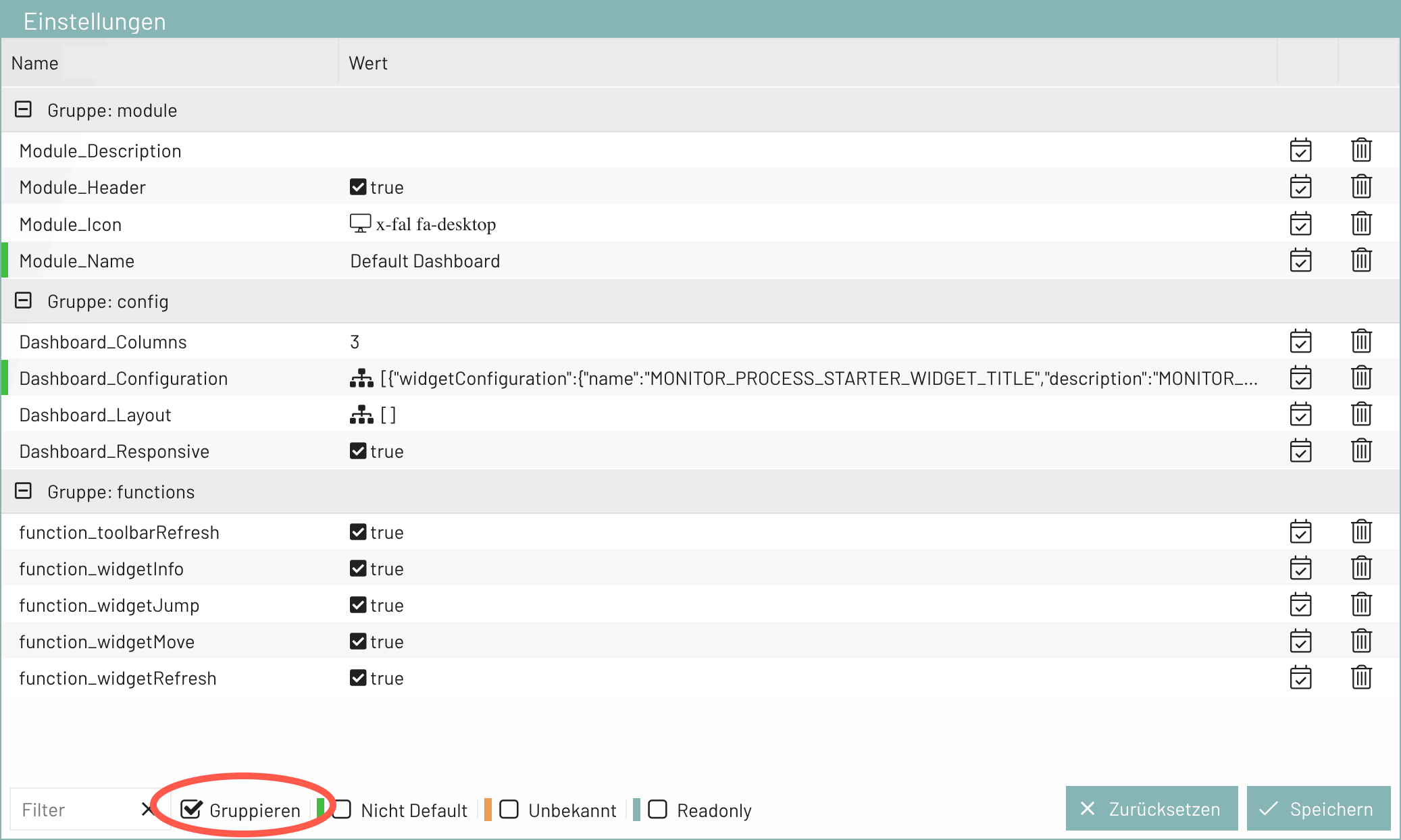
In all tables in BPC, you have the option to group the entries. The entries are automatically sorted into the predefined groups.
Show or Hide Columns
By default, not all available columns are displayed in the tables to save space in the view. These can be shown as needed, or columns that have been hidden can be shown again.
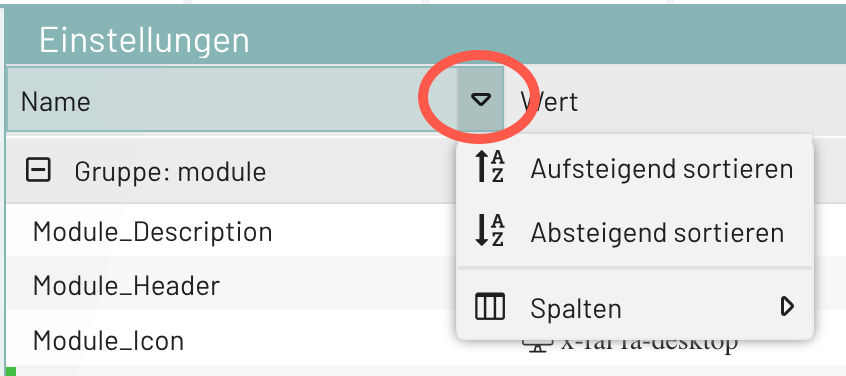
In the table header, an arrow appears in any column when you hover over it with the mouse. Clicking the arrow displays a menu offering column options.
In addition, you can hide columns yourself—for example, those you don’t need:
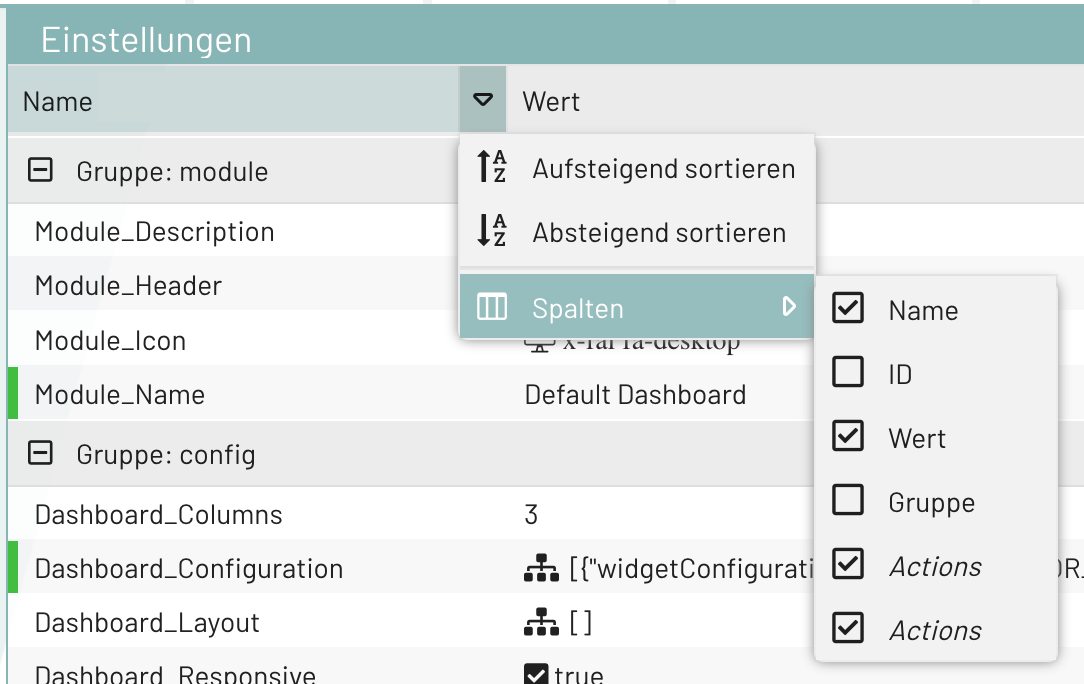
You can show hidden columns again by checking the box.
Arrange columns
If you want to change the order of the columns, you can rearrange them individually as needed.
To do this
