Monitor Plugins/Hooks
Plugins
Process Starter Plugin
This plugin provides a button that can be used to start processes configured on the monitor.
See also Process Starter Plugin
Process Starter Plugin Panel
This plugin provides a Process Starter form that allows you to start processes configured directly on the monitor.
See also Process Starter Plugin Panel
Monitor Wrapper Plugin
This plugin displays a complete monitor—but without the module header and toolbar—within the plugin itself.
See also Monitor Wrapper Plugin
Hooks
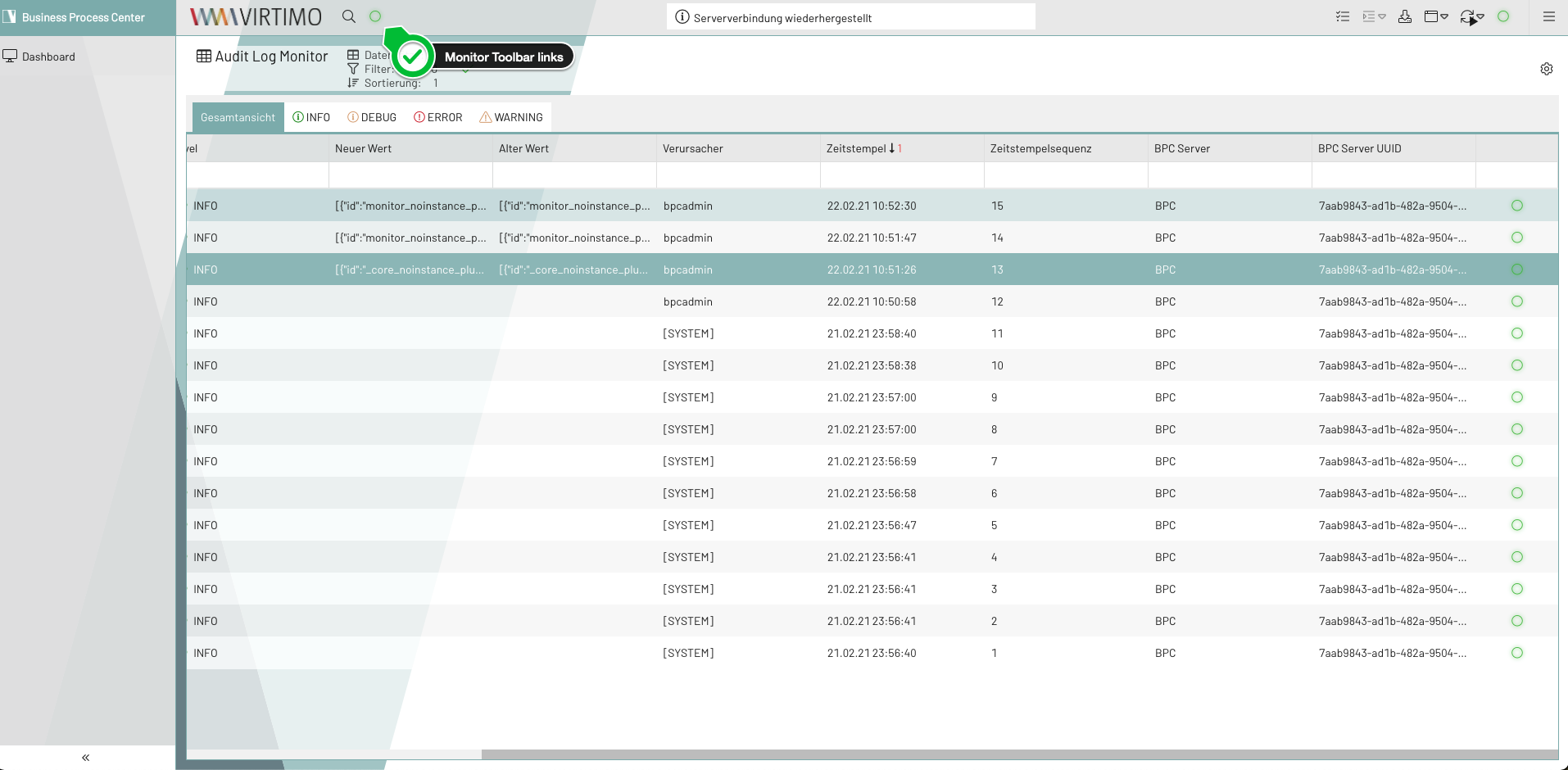
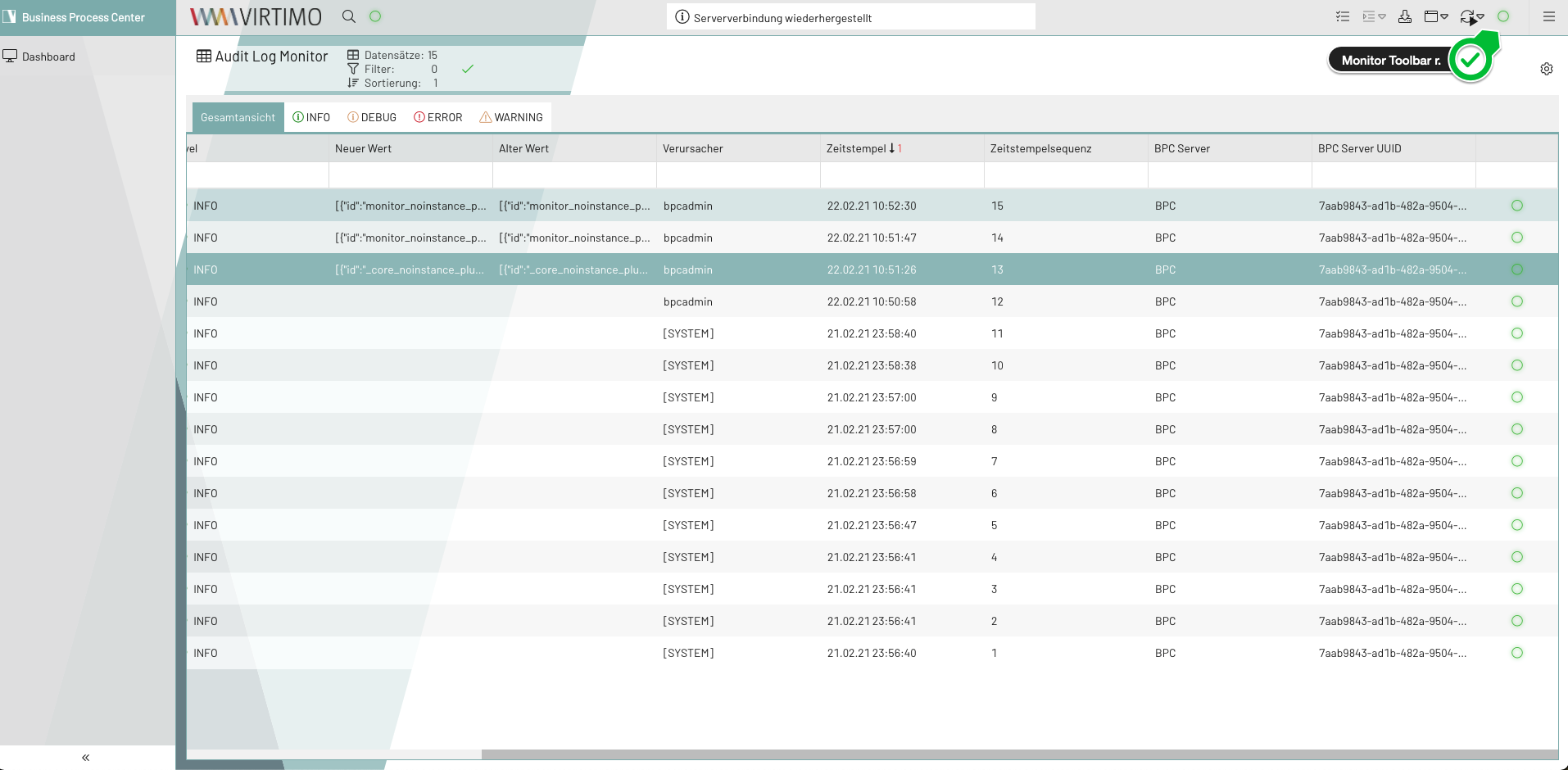
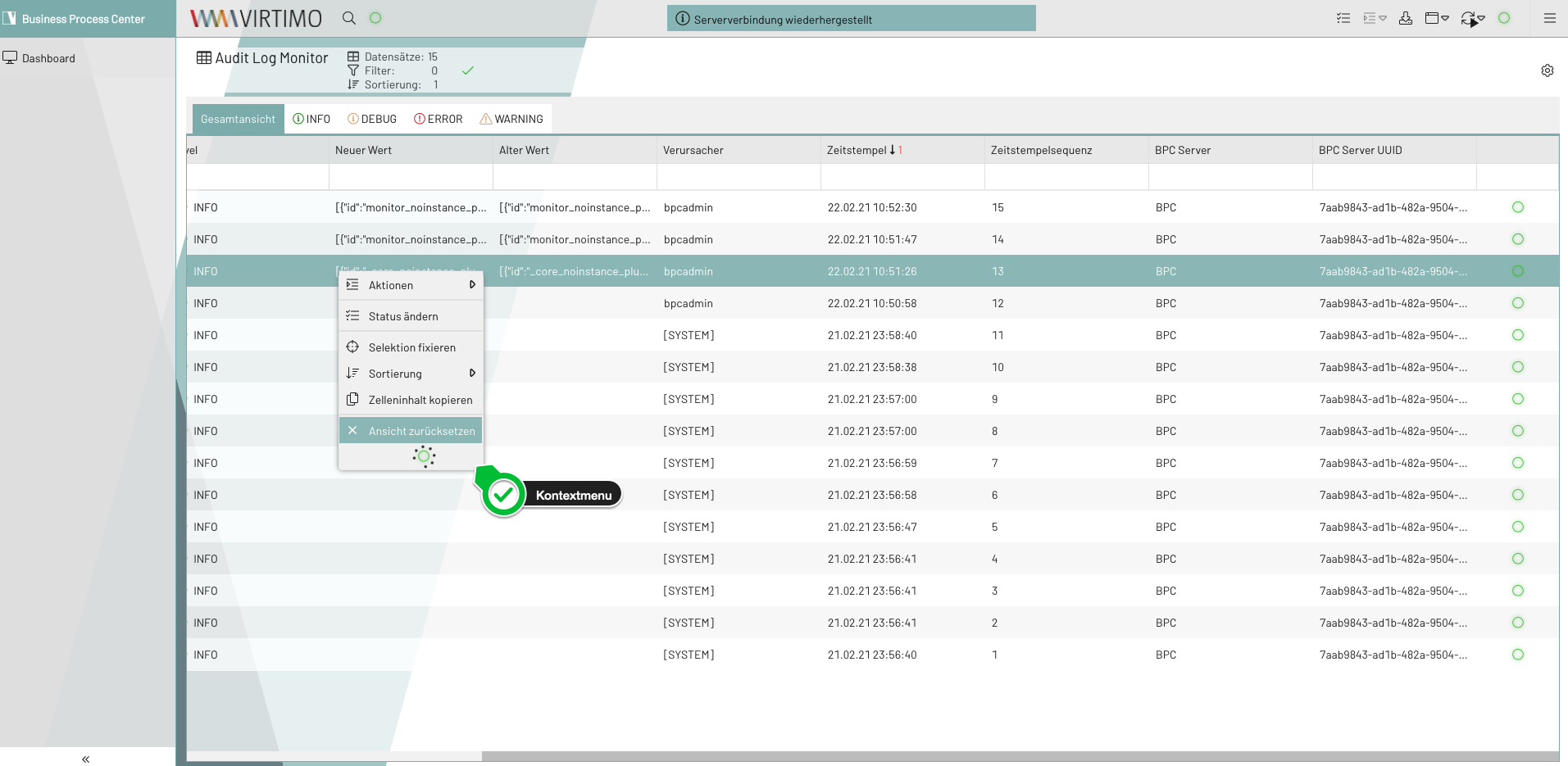
Monitor Column
When using this hook, the plugin is added as a column.
Plugin columns are usually added at the end.
If you want to change the position, you can add the following configuration to the desired target position in the column configuration (Monitor_ColumnConfig):
{
    "xtype": "monitorColumnHook"
}
If the plugin is not a column, the following must be added to the configuration: If this is not done, the plugin’s configuration cannot be taken into account.
{
"wrap": true
}
If you want to configure the plugin column, do so in the plugin configuration as follows:
{
  "columnConfig":
    {
        "dataIndex": "level",
        "width": 200,
        "text": "Spaltentitel"
    }
}|
Currently, columns of the type |