Account
This module provides access to user-specific data and configurations.
|
This module is part of the BPC Core Services.
It is a standalone module, but it is embedded within the Core Services. For this reason, the module cannot be removed or updated independently of the Core Services. |
User Information
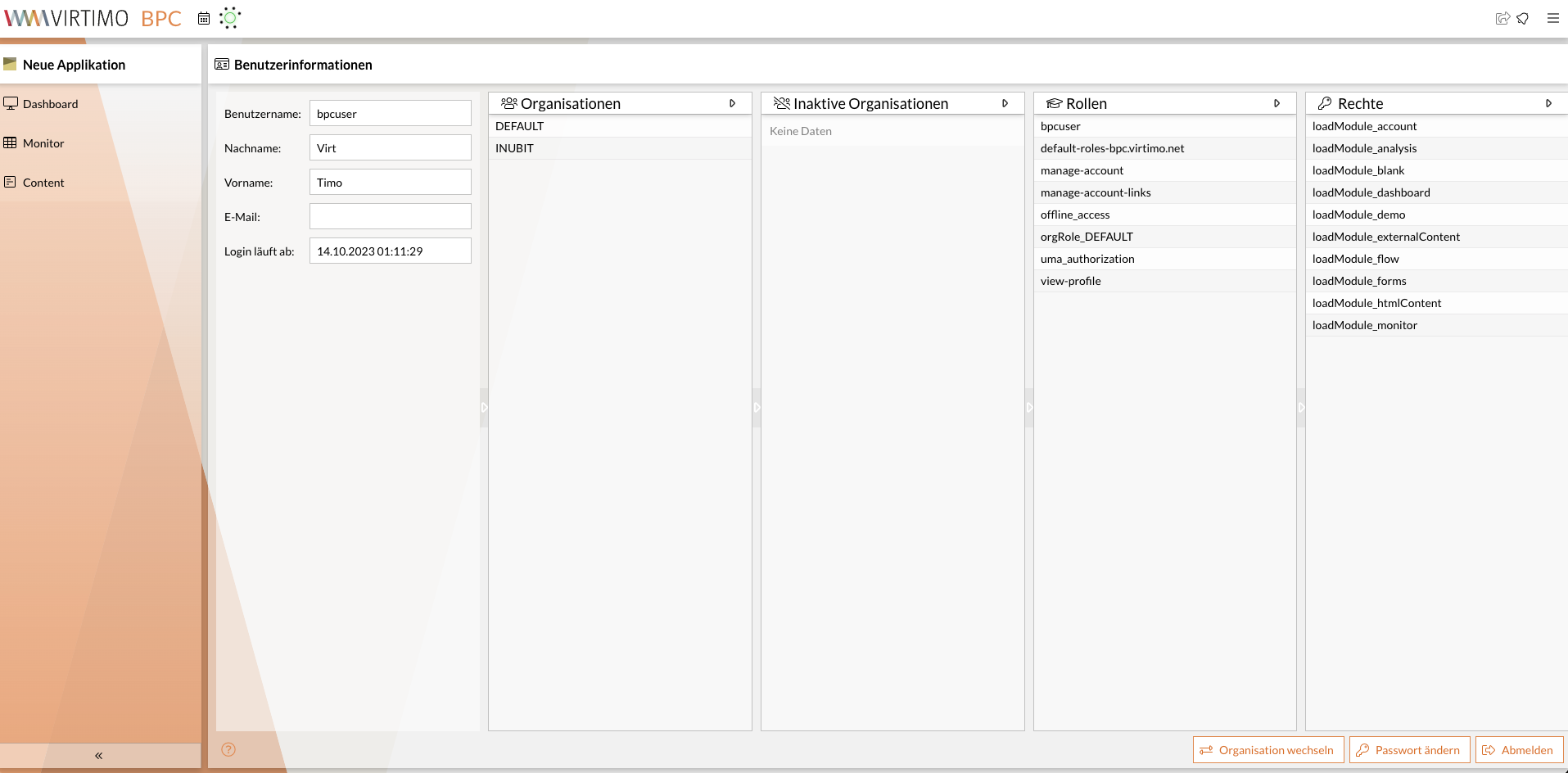
You can view the current user information using the plugin User Account Menu.
|
To do this, the plugin’s |
The page displays information such as the user’s name and assigned organizations, roles, and permissions.
External Account Management Page
If you use an external identity provider (e.g., Keycloak), you can link to that identity provider’s account page.
To do this, use the configuration options in the User Account Menu that begin with link.
You can access the Keycloak account page, for example, using the following syntax:
https://example.com/auth/realms/MY_REALM/account
You must adjust MY_REALM according to the realm you are using. Depending on the Keycloak version, /auth must be removed from the URL.
