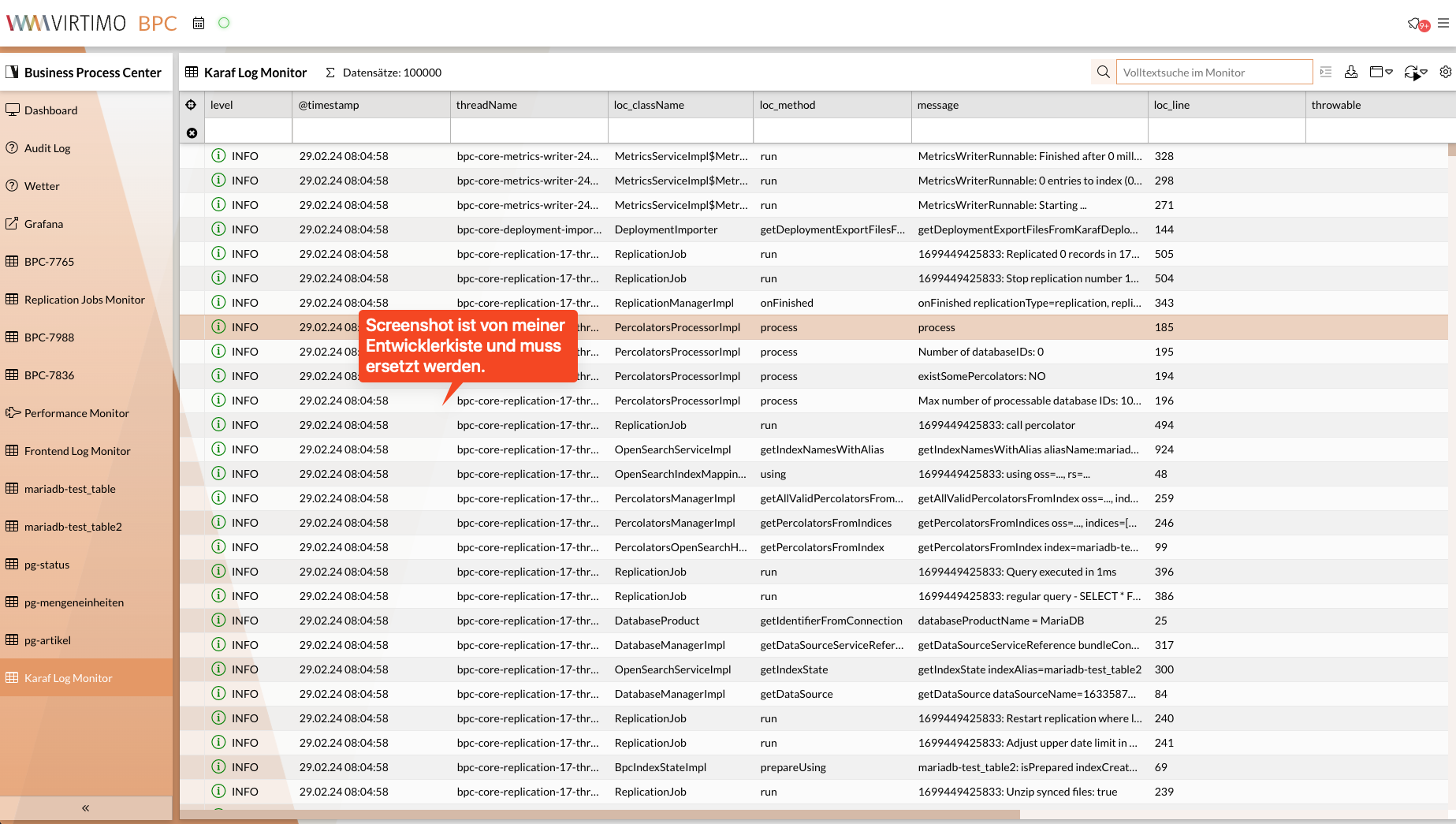
Karaf Log
The Karaf log can be viewed using a BPC monitor.
General Information
Karaf logs are written to an OpenSearch index with the alias 'BPC-logs'. A BPC monitor is used to view the data.
Configuration
You can find the configuration for this feature in the Karaf configuration file KARAF/etc/de.virtimo.bpc.decanter.appender.opensearch.cfg.
|
You should not make changes directly to the configuration file; instead, use the Central configuration file. The general procedure for overriding such settings is explained in detail in this section. |
The specific configuration values are described below.
Enable/Disable
By default, Karaf logs are written to the OpenSearch index with the alias 'BPC-logs'.
To disable this feature, set the enabled setting to false.
Cleanup
The Karaf logs are written to the OpenSearch index with the alias bpc-logs.
To prevent the index from growing indefinitely, old data is periodically deleted.
The frequency and retention period can be adjusted in the configuration file KARAF/etc/de.virtimo.bpc.decanter.appender.opensearch.cfg (a Core Bundle restart is required afterward).
These are the default settings:
# the index gets cleaned up every n-minutes
cleanupPeriodInMinutes=60

# delete all entries from the index that are older than
deleteEntriesOlderThan=7 days ago
Displaying the Karaf Log
The Karaf logs can be viewed in the administration area; see Karaf Log.
It is also possible to make the Karaf log available as a monitor module in the navigation bar.