Splitting a Process
To split the currently selected process, a central function is available via an icon in the function area menu.
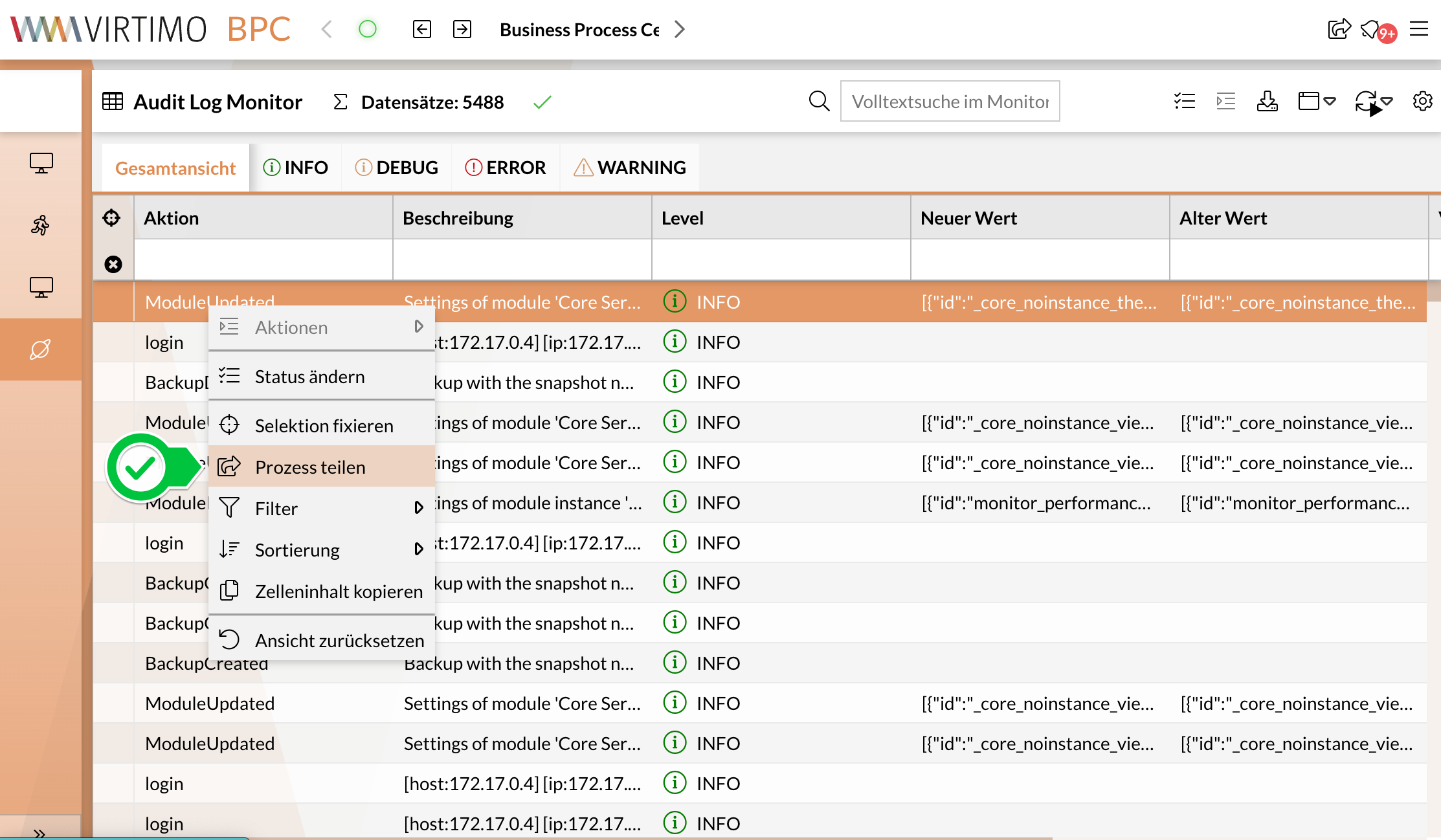
First, select the process you want to share (with a single mouse click). Right-clicking opens the context menu, which contains the “Share Process” button (see screenshot).
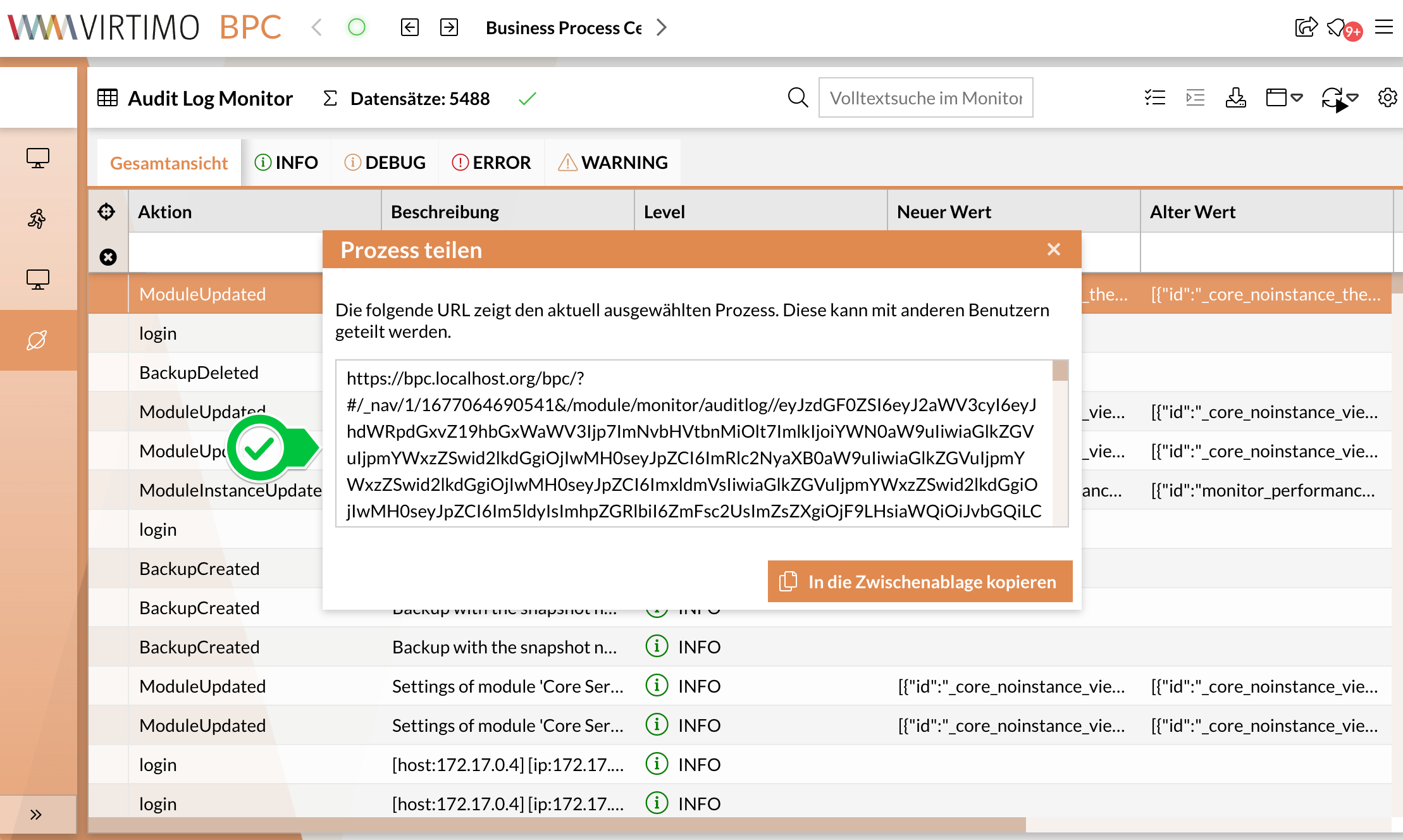
After clicking this menu item, a new window opens. The window contains a URL that leads to the current monitor, where the currently selected process is filtered and displayed. You can copy the URL directly to the clipboard and share it with other users.