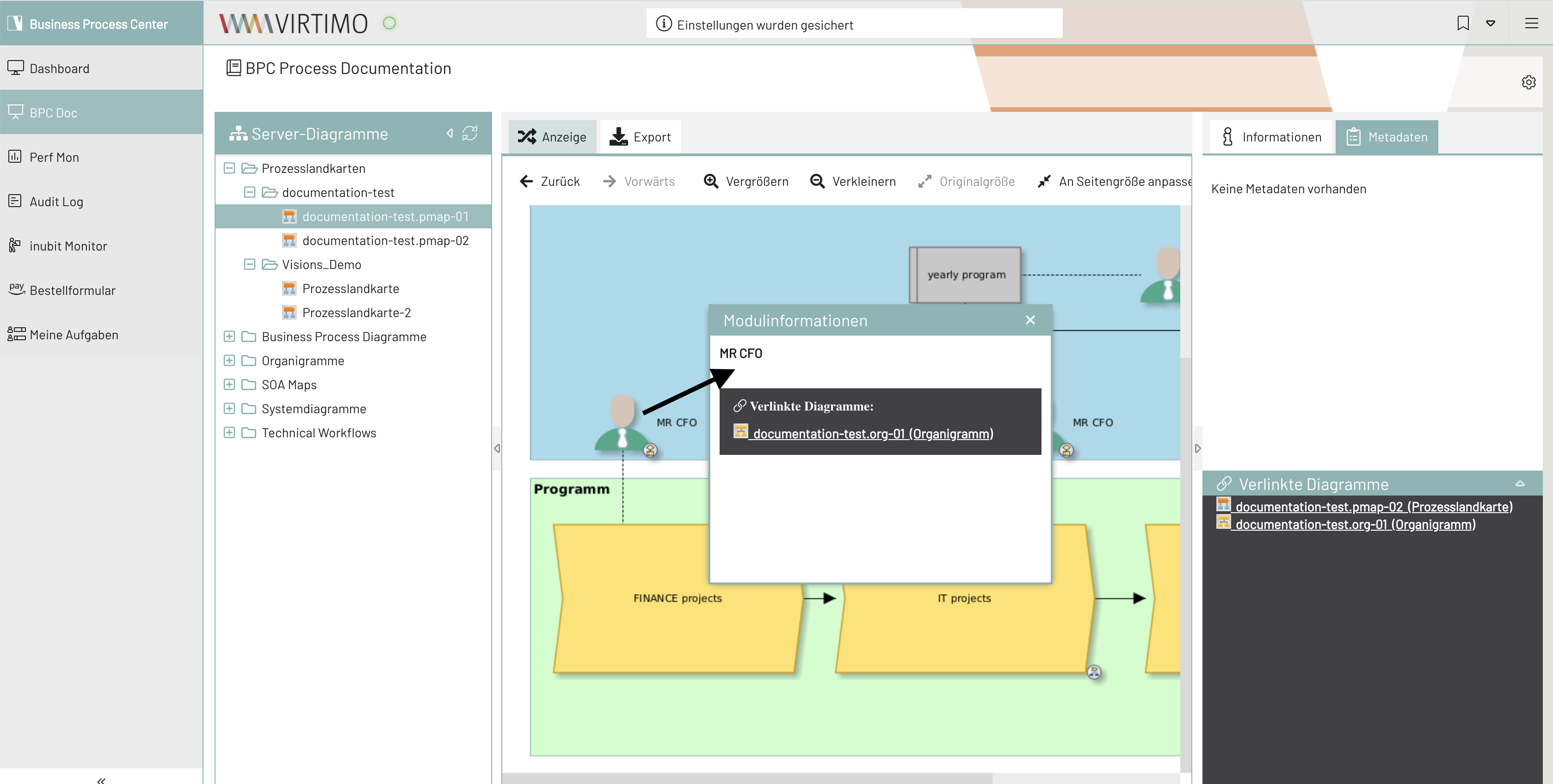
Module Information Display Information When you click on an element in a Diagram, a pop-up dialog appears that displays all information about that element: Name Metadata (if available) Links (if available) Links You can follow the displayed links with a single click. Click the Back button at the top of the Diagram view to return to the previous Diagram.